


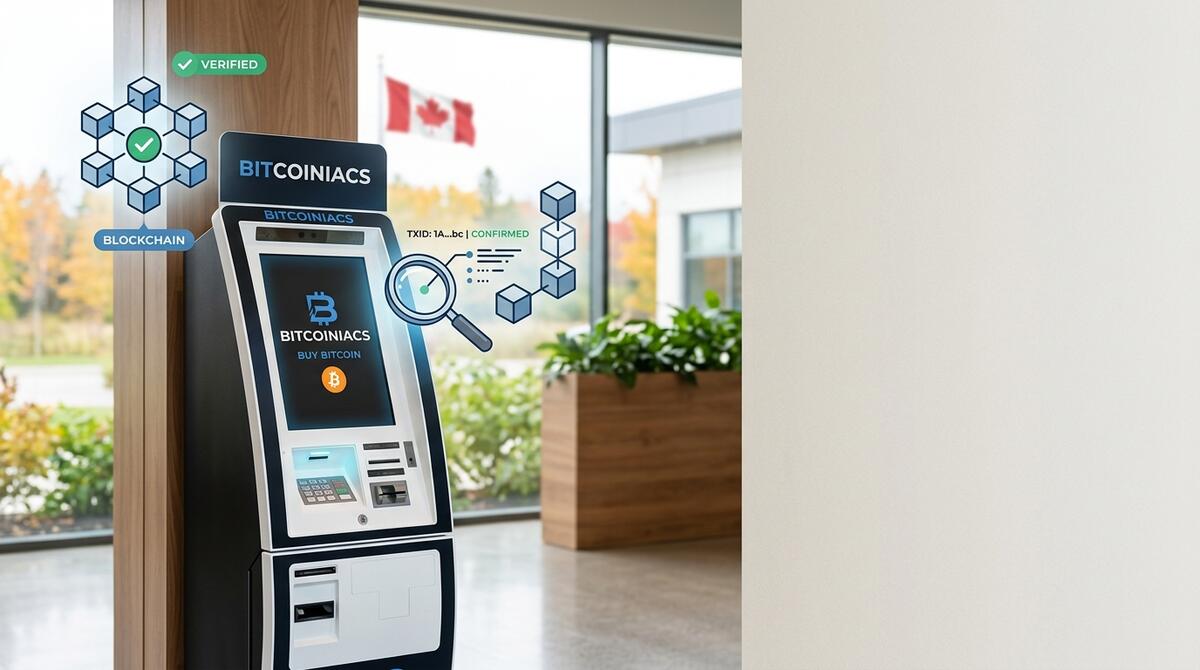
If you’ve ever bought Bitcoin through a Canadian Bitcoin ATM or sent coins to a friend, you’ve probably hit the same questions most Canadians ask: did my transaction actually go through, and how do I know it’s safe? Verifying a bitcoin transaction isn’t a black box — it’s a public record anyone can read for free, in real time, on a blockchain explorer. This guide walks through every step, from finding your transaction ID to understanding how many confirmations you should wait for.
Table of Contents
- What Is a Bitcoin Transaction?
- Step-by-Step: How to Verify a Bitcoin Transaction
- How Many Confirmations Do You Actually Need?
- What If Your Transaction Isn’t Confirming?
- Common Scams and Real Risks to Watch For
- Frequently Asked Questions
What Is a Bitcoin Transaction?
A bitcoin transaction is a signed message that moves value from one or more previous unspent transaction outputs (UTXOs) into new outputs controlled by the recipient’s address. Every transaction has three core parts you can read:
- Inputs — the bitcoin being spent, traced back through prior transactions in a verifiable chain.
- Outputs — where the bitcoin goes next, including any change returned to the sender.
- Transaction ID (TXID) — a unique alphanumeric hash that identifies the transaction on the chain. Once the transaction is included in a block, the TXID becomes a permanent record.
The Bitcoin network is pseudonymous, not anonymous — wallet addresses are public, but they don’t carry a name attached. That pseudonymity is what makes verification possible: every transfer is mathematically tied to the previous one, and anyone can follow the trail on a block explorer. If you’re new to how blocks chain together, the Bitcoin.org “How It Works” page has a clean plain-language walkthrough of the underlying protocol.
Step-by-Step: How to Verify a Bitcoin Transaction
Verification is fast and free. Start at the same place every transaction begins: your TXID. After you buy Bitcoin at a Bitcoiniacs Bitcoin ATM, the receipt on screen and the email confirmation both list a transaction ID. For wallet-to-wallet sends, your wallet’s “send” history will show the TXID too.
Step 1 — Find Your TXID
The TXID is a 64-character hexadecimal string (a hash) that uniquely identifies your transaction. Copy it exactly — even one wrong character will return “transaction not found.” On the Bitcoiniacs ATM receipt, look for the line labelled “Transaction ID” or “TXID”; in a wallet, it’s usually under the transaction’s details.
Step 2 — Paste It Into a Blockchain Explorer
Open any reputable block explorer — mempool.space or the Bitcoin wiki’s confirmation reference both work. Paste the TXID into the search bar and hit enter. Within seconds you’ll see:
- Status: pending (in the mempool awaiting a block), confirmed (in the latest block), or failed.
- Confirmations: how many blocks have been added on top of the block containing your transaction.
- Inputs and outputs: the source addresses and recipient addresses, with BTC amounts.
- Network fee paid: the actual fee you paid in BTC and the implied priority at the time.
Step 3 — Confirm the Recipient Address and Amount
The two things you should always cross-check: (1) the recipient address in the explorer’s output list matches the wallet address you sent to (or expected to receive into), and (2) the BTC amount matches what you sent or received. Address and amount are the source of truth — anything else (fees, change outputs) gets computed from them.
Step 4 — Watch the Confirmations Climb
A new block is added to the Bitcoin chain roughly every 10 minutes. Confirmations are how many blocks have been mined on top of the block containing your transaction. Each additional confirmation makes it exponentially harder to reverse the transaction. The exact mechanics of how confirmations build on each other are documented in the Bitcoin developer reference on the block chain.
How Many Confirmations Do You Actually Need?
The honest answer depends on what you’re worried about. Confirmations protect against two failure modes — double-spends and chain reorgs — but most people just want to know when the transaction is “safe enough.” Here are the practical thresholds Canadians use:
- 0 confirmations — transaction is in the mempool, broadcast to nodes but not yet in a block. Treat it as “in transit.” Most Bitcoin ATMs, including Bitcoiniacs, credit your cash and post the transaction immediately; the machine trusts the network to include it within the next block or two. For small ATM purchases under a few hundred dollars, one confirmation is generally accepted by the merchant side before coins are usable.
- 1 confirmation — included in one block. Safe for small to medium amounts of cash purchases and daily wallet-to-wallet transfers between people who know each other.
- 3 confirmations — standard for amounts up to roughly CAD $10,000 equivalent. Most exchanges and a lot of merchant processors treat this as settled.
- 6 confirmations — the canonical “deep enough” threshold used in the industry for high-value transfers. Computing power required to rewrite six blocks makes it economically impractical.
In practice, a normal Bitcoin transaction through a Canadian ATM will reach 1 confirmation in 10–30 minutes and 6 confirmations within an hour, depending on network congestion and the fee you (or your wallet) paid. If you’re sending from your own wallet, paying a slightly higher fee through the wallet’s priority setting shaves minutes off that window.
What If Your Transaction Isn’t Confirming?
Three situations account for most stuck transactions, and the right response is different in each case:
The Transaction Is Stuck in the Mempool
This usually means you paid too low a fee relative to current demand. Miners prioritize transactions with the highest fee-per-byte, so a low-fee transaction waits until the backlog clears. Options: wait it out (most low-fee transactions clear within 24–72 hours), replace-by-fee (RBF) if your wallet supports it, or — if your wallet supports it — a child-pays-for-parent (CPFP) bump. Most modern wallets like the ones used at the Bitcoiniacs point-of-sale flow set fees automatically using current mempool conditions, so this is a rare issue for ATM purchases.
The Explorer Shows “Invalid” or Unknown
Double-check the TXID — one wrong character returns “transaction not found.” If the TXID is correct and the explorer doesn’t know it after 30 minutes, the transaction likely never reached a node. For an ATM purchase, contact the operator immediately with the receipt details. For a wallet-to-wallet transfer, re-check the recipient’s address and resend if needed.
The Transaction Confirmed to the Wrong Address
This is the irreversible case. Bitcoin transactions can’t be “undone” by a central authority — that’s the entire point — so sending to the wrong address means the funds are reachable by whoever controls that private key. Your only path is contacting the recipient directly if you know them and asking them to return the funds. A reputable ATM operator screens for typos and double-confirms wallet QR codes before broadcast, which is one reason Canadian operators have built-in safety rails.
Common Scams and Real Risks to Watch For
The verification tools above let you independently confirm any transaction, which is your strongest defence against social engineering. The recurring scams look like this:
- “Send first, I’ll release” payment-reversal tricks. No legitimate buyer, seller, or platform asks you to send bitcoin first and then “release” something else. The “release” never comes.
- Impersonator support claiming to be from a wallet provider or selling platform. Real support never asks for your seed phrase, one-time codes, or for you to send bitcoin to “verify” the account.
- Inflated-payment QR-code swaps: a QR code displayed for a small payment is replaced at the last second by one pointing at the scammer’s wallet. Always verify the address in your wallet matches what you expect before pressing send.
- Verification-page phishing: a fake “block explorer” page that mirrors a real one, with a slight domain typo. Stick to well-known explorers like mempool.space, blockchain.com, or blockstream.info — and look at the URL bar.
Whenever someone pressures you with urgency, guarantees a return, or asks for a seed phrase or OTP, treat it as a scam. The Bitcoin network itself doesn’t lie — your eyes on a real block explorer are what separate a real transaction from a fabricated screenshot.
Frequently Asked Questions
How do I check if my bitcoin transaction went through?
Grab the transaction ID (TXID) from your wallet or ATM receipt, paste it into a blockchain explorer like mempool.space, and look at the status. “Confirmed” with at least one confirmation means the network has accepted it into a block; “pending” or “in mempool” means it has been broadcast but not yet mined.
How long does a bitcoin transaction take?
Bitcoin targets a 10-minute average block time, so most transactions confirm within 10–30 minutes under normal network conditions. During mempool congestion (high fee periods) it can take longer, especially for transactions with low fees. For a Canadian ATM purchase through Bitcoiniacs, coins typically reach the recipient wallet in under 30 minutes.
How many confirmations should I wait for before spending?
It depends on the dollar value. For small everyday sends, one confirmation is reasonable. For amounts up to about CAD $10,000 equivalent, three confirmations is a common industry baseline. For six-figure transfers, the six-confirmation rule (~60 minutes) is the conservative standard. Each additional confirmation exponentially increases the work required to rewrite the chain, so “more is always safer.”
Can a confirmed bitcoin transaction be reversed?
Practically, no. The whole point of confirmations is to make reversal economically and computationally unrealistic. With 1 confirmation, a motivated attacker with significant hashing power could attempt a double-spend. By 6 confirmations, the cost of rewriting those six blocks far exceeds any plausible profit from the attack. Once a transaction has several confirmations, it should be treated as final.
What do I do if I sent bitcoin to the wrong address?
Bitcoiniacs cannot reverse individual transactions on the network — no one can. If you sent to an address you control (a typo in your own wallet), your funds are still recoverable from your seed phrase. If you sent to an address controlled by someone else, contact that recipient directly and ask them to return the funds. This is why QR-code verification and address-confirmation screens matter: prevention beats any possible remediation.
Verification is the underrated superpower of using bitcoin. Every other part of the network (wallets, ATMs, exchanges, peer-to-peer transfers) is doing the same thing — reading public block data — that you can do for free in your browser. Once you’ve done it a few times, the anxiety of “did this go through?” disappears, replaced by the quiet confidence of seeing your own TXID sit six blocks deep.